Why Ephemeral Scratch Space Breaks Multi-Session Agent Workflows
Agents need persistent storage across sessions, not just faster rebuilds.
Sponsored by Archil
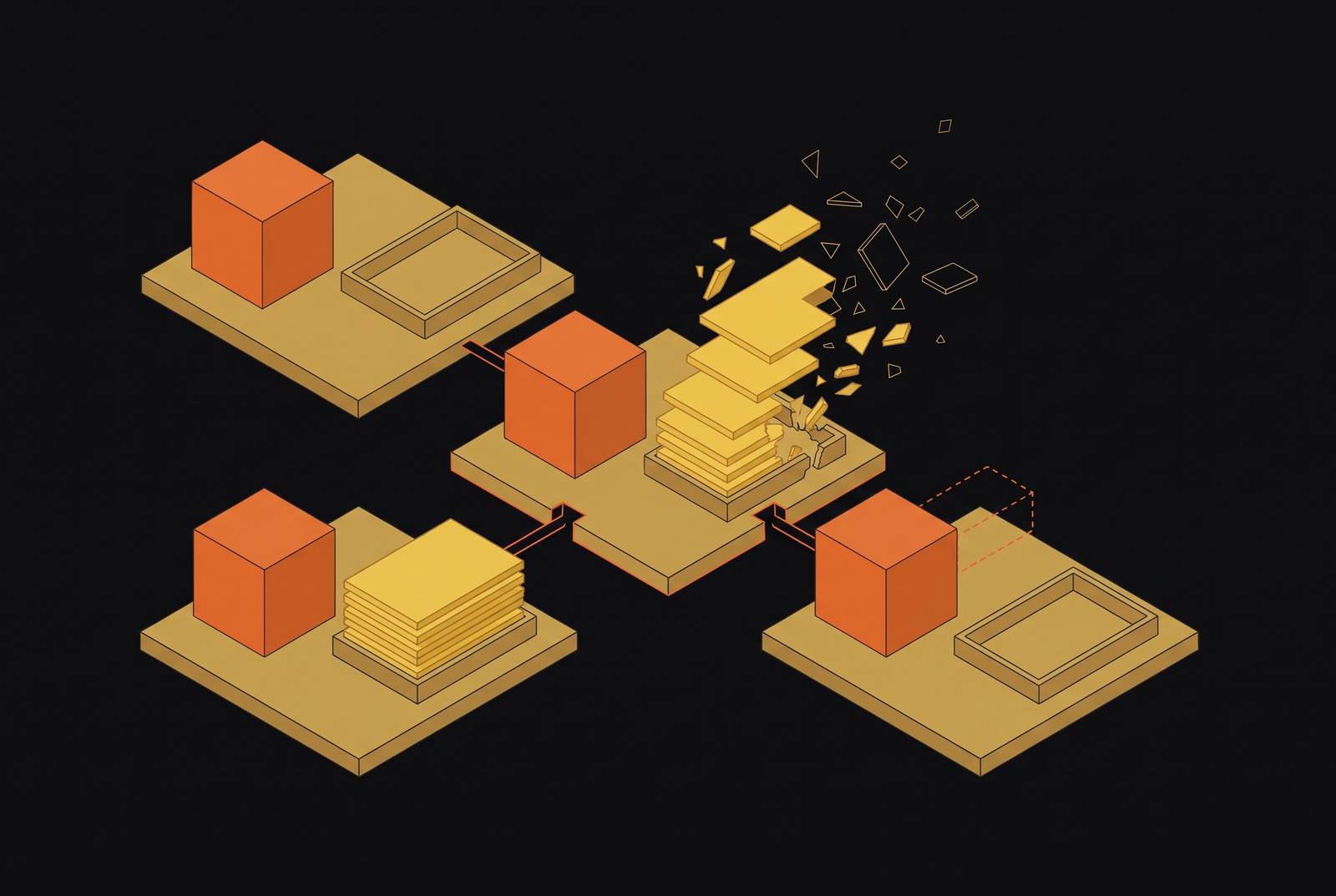
Ephemeral scratch space breaks multi-session agent workflows because it discards the working state that later sessions need. Multi-session agent workflows need a persistent filesystem workspace that outlasts compute, paired with strong isolation. For parallel runs, that storage layer also needs shared access and fast, writable branches so agents can collaborate or explore separately without rebuilding their work.
Why multi-session agents are structurally different from one-shot executors
A one-shot sandbox assumes that a task runs, gives its output, and leaves nothing inside the environment that needs to be kept. Destruction is part of the contract. That is a good fit for discrete workloads, where a clean start is useful and the result can stand alone. It is a poor fit when the next task depends on what the last one left behind.
An agent session can involve dozens or hundreds of code steps, each shaped by earlier results. Multi-session agents add another demand, returning to the same directory, installed packages, and unfinished task across separate invocations. Tool calls and intermediate artifacts turn the environment into an accumulating workspace. Archil addresses that distinction with a filesystem that survives the sandbox’s compute lifecycle. Before cold-start speed or per-execution cost enters the comparison, the deciding question is whether working state can survive the session boundary.
What ephemeral scratch space actually discards and why it compounds
A sandbox reset discards more than a folder. Installed packages and configured toolchains represent setup work already performed and tested. Intermediate data and working artifacts keep the work done so far, including downloaded repositories and test results. Completed sub-tasks have the outputs that later steps need. Losing all three wipes out compute, data, and finished work together.
Consider an agent that spends thirty minutes setting up a development environment before the sandbox resets and the work it has done disappears. The next session starts that thirty-minute clock again. As a coding agent fixes errors and reruns tests, more downstream work depends on the environment it has assembled, so reconstructing the starting point can also mean repeating steps that were already complete.
This is where a checkpoint differs from a recipe. A recipe describes how to rebuild an environment, while a checkpoint preserves where the work actually stood. With a durable, forkable disk paired with an isolated microVM, as in Archil’s design, an agent can preserve its working state. Package caching helps with one layer of that loss, but it cannot recreate task-specific outputs that no longer exist.
Why faster reinstalls and smarter caching don't fix the underlying problem
Layer caching can recover a reproducible base image quickly. It cannot turn that image into the agent’s latest workspace. Python plus dependencies is not the same environment as Python plus a cloned repository, a completed lint run, and three fixed errors out of five. Faster setup gets the agent back to the starting line, leaving the work leading up to the fourth error to be repeated.
Keeping a sandbox alive longer puts off the time when it resets. Vercel Sandbox limits Hobby sessions to 45 minutes, which works for tasks that fit inside the window but does not provide indefinite workspace persistence. With per-second billing, keeping compute alive between sessions can also cost a lot. The session timer becomes an unpaid project manager, with demolition privileges.
A snapshot helps only if its storage contract preserves the state the workflow needs beyond the compute lifetime. The architectural distinction is visible in Archil’s separation of disk and compute lifecycles, allowing the workspace to persist and branch in milliseconds regardless of accumulated size. The requirement is a filesystem that survives by construction.
What persistence actually requires: three tiers that are often conflated
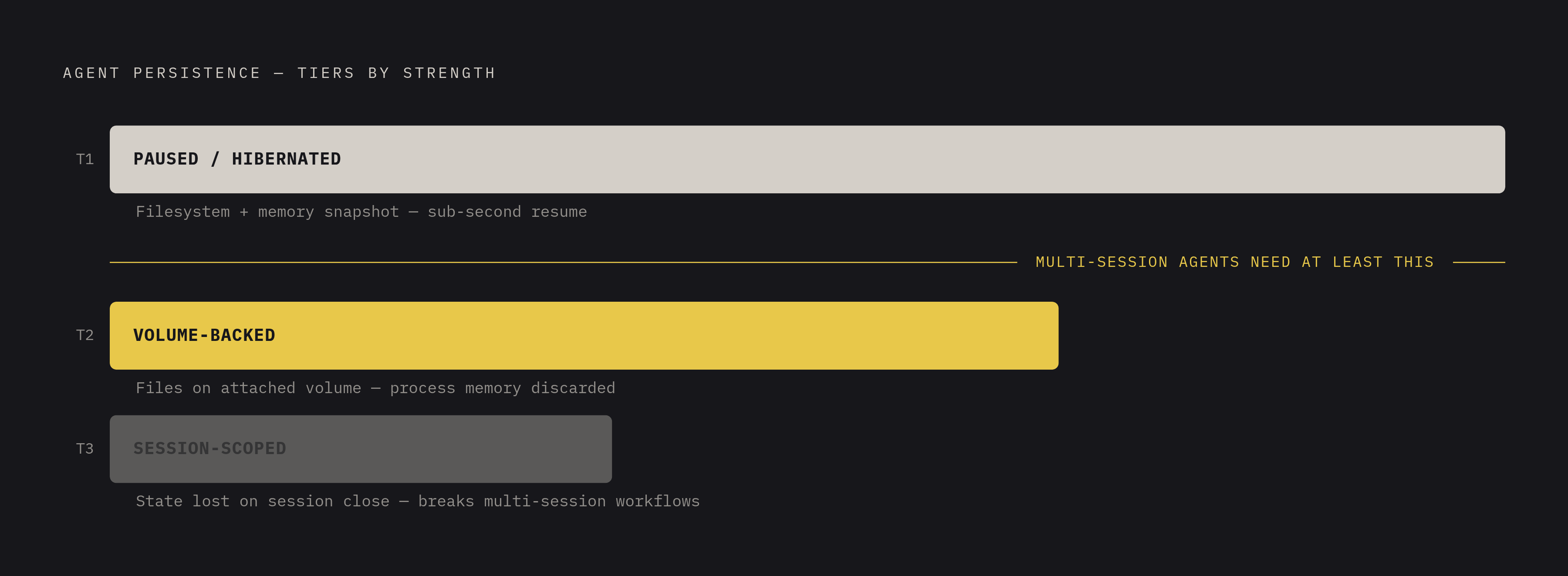
Tier 1, paused or hibernated persistence, preserves the filesystem and a memory snapshot so processes can resume sub-second. It is the strongest form because execution can continue from its paused state. Tier 2, volume-backed persistence, preserves files on an attached volume but discards process memory. Repositories, generated files, and task artifacts stay, but in-process state is lost. Tier 3, session-scoped persistence, preserves working state only while the bounded session remains available.
Multi-session agents need at least Tier 2. A file written in one session must remain intact after disconnecting and starting another, without relying on an open session window. Tier 1 adds continuity for processes, but it is not necessary for every file-based workflow. The purchasing trap is assuming that a product’s “persistent” label means volume-backed storage when it means a longer session.
The practical checklist is a stop-and-restart test. The test should check whether the filesystem survives a full sandbox stop, whether installed packages are still there to use, and whether task artifacts are still in place. It should also identify the lifecycle policy that eventually destroys the data. Persistence without a stated destruction policy is an adjective where a contract should be.
Isolation requirements that persist alongside the state
A persistent workspace can preserve a compromise as faithfully as it preserves a repository. Ephemeral teardown offers a partial security benefit by destroying the compromised session. A durable environment removes that automatic reset. Its isolation boundary must therefore work for as long as the state is kept, without relying on the next teardown to clear trouble away.
Plain containers share the host kernel, so a kernel vulnerability can expose the host and other sessions. MicroVMs give sessions separate guest kernels behind hardware virtualization, preventing a guest kernel compromise from directly exposing the host. For untrusted agent code, the requirement is a microVM boundary together with deny-first egress and explicit allowances for legitimate tool destinations. Full network lockdown breaks useful work, while open egress leaves an exfiltration route.
Anthropic’s published red-team exercise illustrated the credential risk with a phishing email that instructed an agent to read a local cloud credentials file and post it to an outside endpoint. The defense belonged in the environment, with egress controls blocking the POST and filesystem boundaries keeping ~/.aws out of reach. Intent was not a dependable security boundary. The safer credential model issues narrowly scoped credentials for each session, revokes them at session end, and keeps secrets out of the persistent filesystem.
How to give agents a shared filesystem that persists between sessions
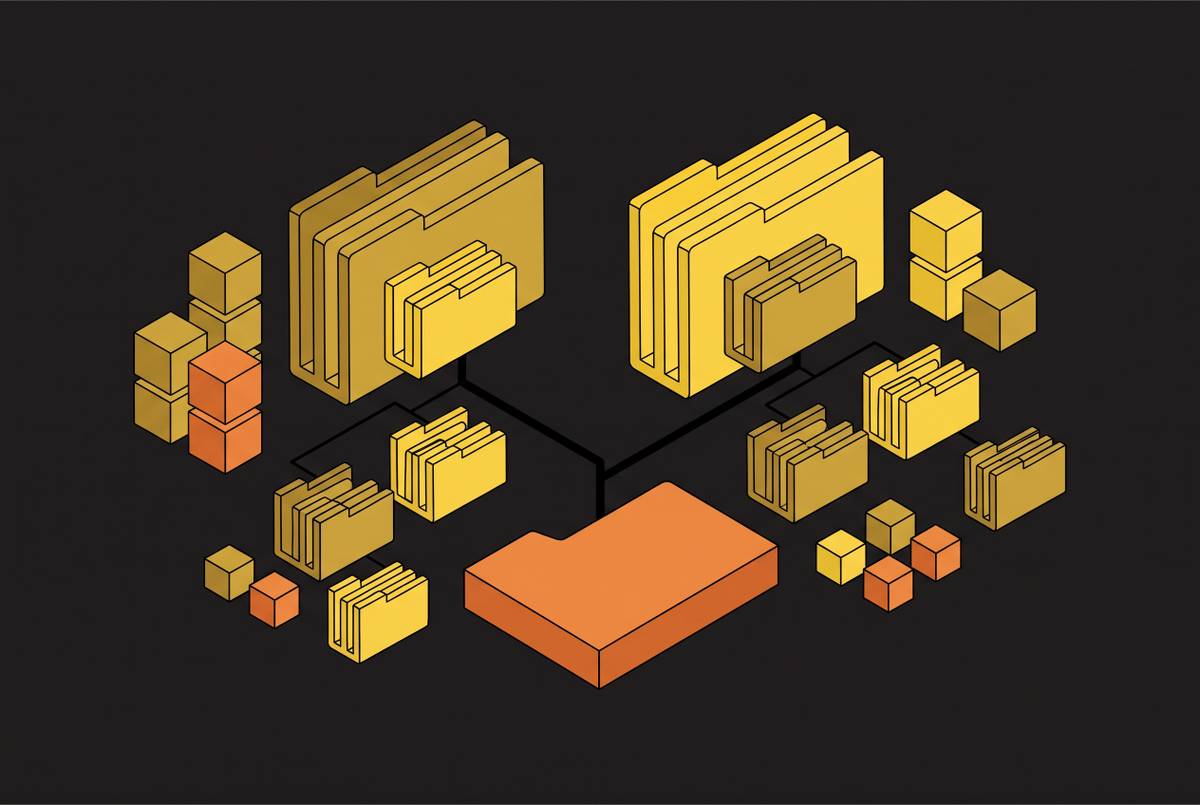
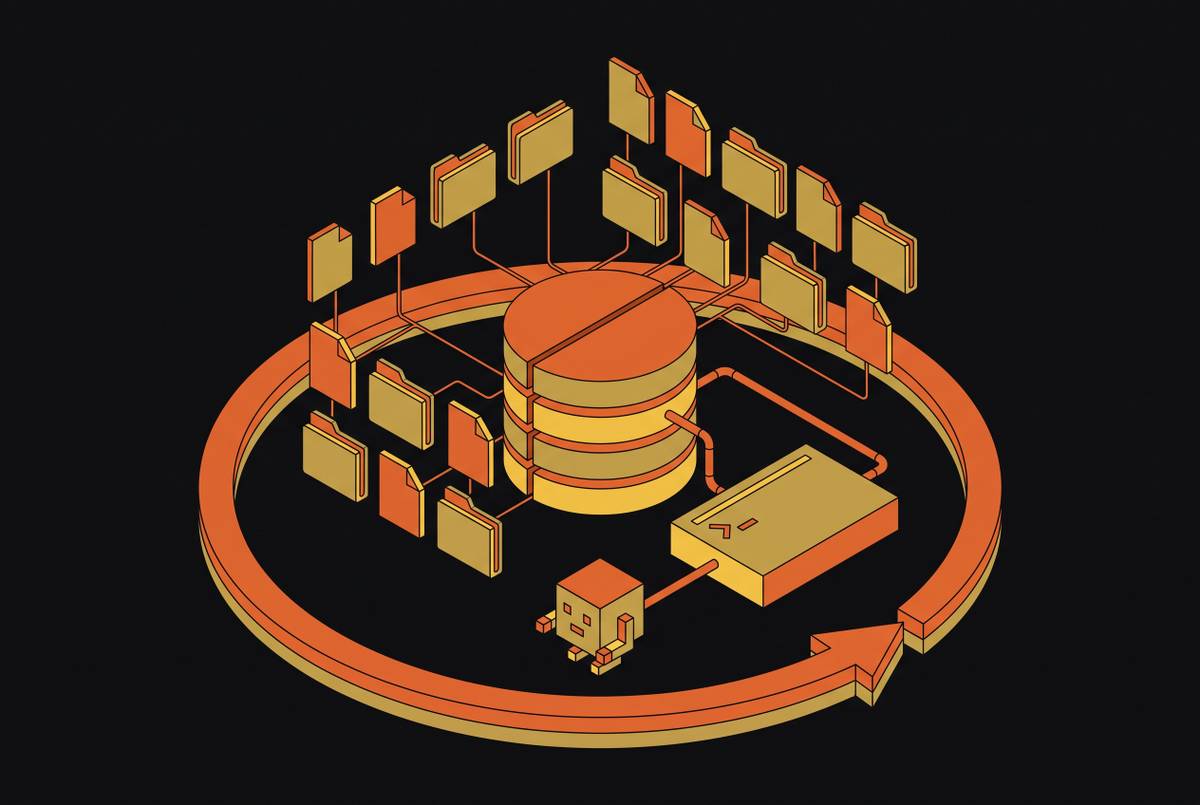
Persistence belongs to the storage layer. A durable disk can sit beneath an isolated microVM and keep the work after the microVM is destroyed, so compute can be thrown away while the work stays. A POSIX filesystem is a natural interface because agents already use bash, grep, git, and pip. The surrounding stack also needs direct access to the results through a standard interface such as an S3-compatible API.
AWS launched S3 Files on April 7 in response to teams using coding agents encountering session-state loss. It addresses read access and write-back through a filesystem interface. With its close-to-open consistency, other agents can see a file that one agent has written after close, and access points can keep agents in non-overlapping directories under separate POSIX identities. Those are useful coordination and access controls. They do not replace sandbox isolation or provide workspace branching.
S3 versioning protects individual objects, but it does not supply an isolated, writable branch of a bucket. That requires a filesystem layer with copy-on-write semantics. A storage-agnostic design should also mount existing S3, GCS, R2, and Azure Blob storage without migration, preserving the existing bucket as the source of truth rather than turning persistence into a relocation project.
Why fast checkpoint and branch make persistence practical for parallel and exploratory agent work
Test-time tree search and reinforcement learning fork the current sandbox state into N parallel instances over and over, try different paths, and keep the winning branch. Their overhead is checkpoint time plus N times clone time. Clone latency therefore multiplies with the search.
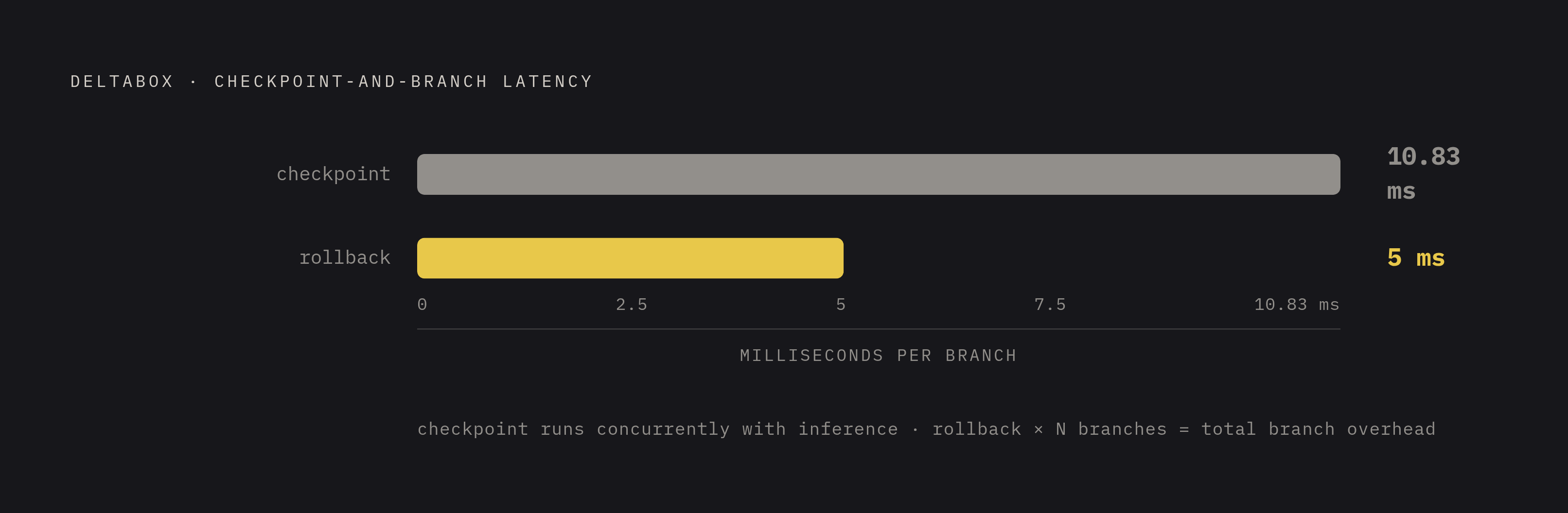
DeltaBox addresses this by recording changes between consecutive checkpoints through an OS abstraction called DeltaState. Its checkpoint completes in approximately 10.83 ms, hidden under inference time, and rollback completes in approximately 5 ms. The evaluation includes a software engineering benchmark and RL micro-benchmarks. DeltaFS, its filesystem component, freezes the writable layer and inserts a new one, making updates copy-on-write and rollback a layer switch.
That turns persistence into an exploration tool. Agents can try alternatives without copying the entire accumulated workspace, and millisecond-level checkpoint and rollback leave more of a fixed time budget for useful search. A long-lived disk paired with compute that auto-pauses when idle also saves the cost of keeping an execution environment running just to keep its files.
Branching does not rewind the outside world, however. ACRFence’s execution-edit analysis explains that going back to a checkpoint cannot undo an authorization or a tool request that has already been sent. An unsafe edit can authorize an action twice or discard a result still needed by the task. Fast filesystem rollback must therefore be paired with runtime checks that account for external actions.
Choosing a persistent sandbox: what to evaluate and how the options compare
The evaluation starts with a named isolation primitive to substantiate the phrase “secure sandbox. It then needs a disk lifecycle, a default egress policy, and a clear account of where credentials go. Practical parallel exploration requires fast branches and checkpoints, while production tenure distinguishes operating infrastructure from a newly published product page. Shared access needs separate attention from branching. When the same disk is mounted on multiple machines, agents can work together, while writable branches give each competing attempt its own state.
Archil gives each sandbox a dedicated Firecracker microVM with its own Linux kernel, using infrastructure that has handled production load for over a year. Its persistent disk survives stops and restarts with installed packages and files intact. Developer outbound traffic is restricted to a managed allowlist covering package registries, git hosts, container registries, OS package mirrors, and model APIs. Team plans can set their own firewall rules. Credentials are brokered so secrets never enter the sandbox, and ports remain private until explicitly exposed.
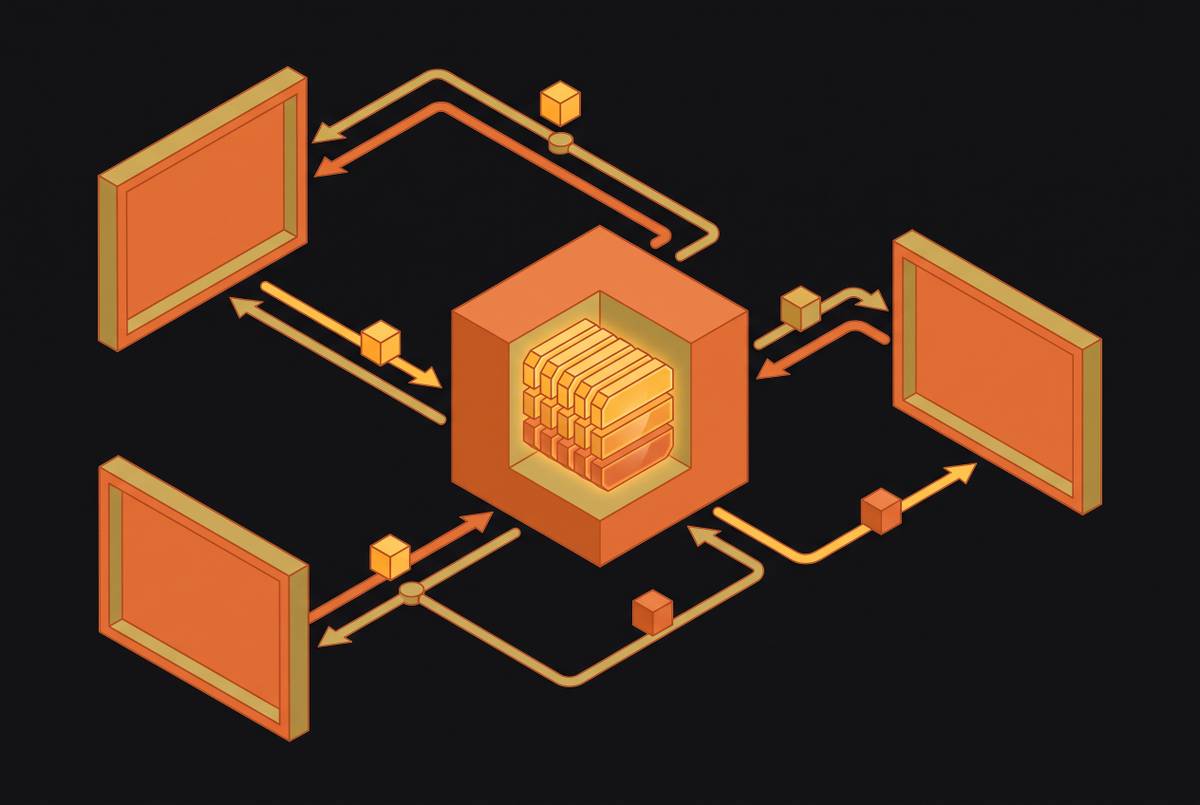
Its storage model also addresses the shared-workspace requirement. The same disk can mount on many machines at once, checkpoint and branch quickly no matter how large it is, and stay within reach through an S3-compatible API. A disk can be Archil-managed or mount an existing S3, GCS, R2, Azure Blob, or S3-compatible bucket as a POSIX filesystem without migration. Writes are durable once fsync returns and are copied to the bucket in the background.
For connected buckets, Archil syncs in both directions and leaves the bucket as the source of truth. Revoking access leaves the data in the customer’s account. Storage billing is based on active data, so there is no need to choose a fixed amount of space before the agent’s needs are known.
Northflank charges based on use and has a calculator for those costs. That provides a starting point for comparing costs, but pricing alone does not establish a persistence contract. Its suitability for a multi-session workspace depends on the same stop-and-restart, isolation, credential, and branching criteria. The available detail here does not support a more specific comparison.
Vercel Sandbox fits a different workload boundary. Hobby sessions can run for up to 45 minutes, while Pro and Enterprise sessions can run much longer. Its session-scoped model provides Tier 3 persistence. That makes it a reasonable fit for teams already on Vercel whose agent work stays within a session, rather than depending on state across multi-day horizons.
The architectural commitment that makes multi-session agents reliable
Reliable multi-session agents require a durable, isolated filesystem that outlasts the compute process attached to it. Choose that storage contract deliberately, with controlled egress and credentials kept outside the persistent layer. Longer session windows are still useful for work that fits within them. They are not a substitute when progress must accumulate across invocations, and deferring that choice leaves the first overlong workflow to discover the gap.
The practical test is deliberately unglamorous, which is a virtue in infrastructure. Stop the sandbox, restart it, and check that installed packages, intermediate files, and task artifacts remain exactly where the agent left them. If success depends on timing, caching, or a session staying open, the system still has the same flaw. The platform passes only when the workspace survives without a reinstall, a restore script, or a session window that has to stay open.
This article is sponsored by Archil.