Concurrent Writers Across Sandboxes: What Each Storage Option Allows
Choose your shared workspace storage by comparing concurrency rules, not just access.
Sponsored by Archil
Several sandboxes can write to one workspace at the same time only if the storage’s concurrency model allows it. A shared mount is not a promise of shared writing. Some models allow one writer and give everyone else read-only snapshots. Others allow several writers to commit changes but require readers to reload, while some use per-path write locks. The right choice depends on who needs to write, when other sandboxes must see those writes, and what happens when two writers touch the same file.
Those are separate questions about whether and how storage is “shared. A sandbox may have access to a workspace without permission to change it. It may also be allowed to write without seeing another sandbox’s latest changes. Even when both writers can work, the storage may not preserve both edits to the same file. “Shared” gets everyone into the meeting, but it does not settle who has the microphone.
That distinction is especially useful for an editor working with several test runners. The editor changes the workspace, while the runners may need either a fixed version to test or somewhere to write results. Those are different workloads, even if they use the same files as their starting point. Comparing storage by its concurrency rules makes that difference explicit before a test run.
Three questions to ask of any shared workspace
Before picking storage, ask three questions.
- Who can write at the same time?
- When does another sandbox see a change, and can it force a refresh?
- What happens when two writers change the same file?
The first question establishes the scope of write permission. “Several sandboxes can mount this workspace” does not answer it, because some mounts may be read-only. Being allowed to write one path does not always mean being allowed to write every path. A system with one writer for the whole workspace makes a different promise from one that assigns writers to individual paths.
A reader may see a fixed snapshot, need to reload, or see changes as its cache refreshes, depending on the model. These behaviors are not interchangeable. A runner testing a fixed version has a different need from a runner expected to pick up the editor’s latest change. The ability to force a refresh is therefore part of the comparison.
Allowing several writers is useful, but it does not by itself say what happens when they edit the same file. A last-write-wins rule, for example, is a promise to resolve their work using the last write, so “supports concurrent writes” needs a smaller, more precise sentence beneath it. That sentence needs to say whether writers can safely work on separate paths and how they still need to coordinate same-file work.
One writer, read-only snapshots for the rest
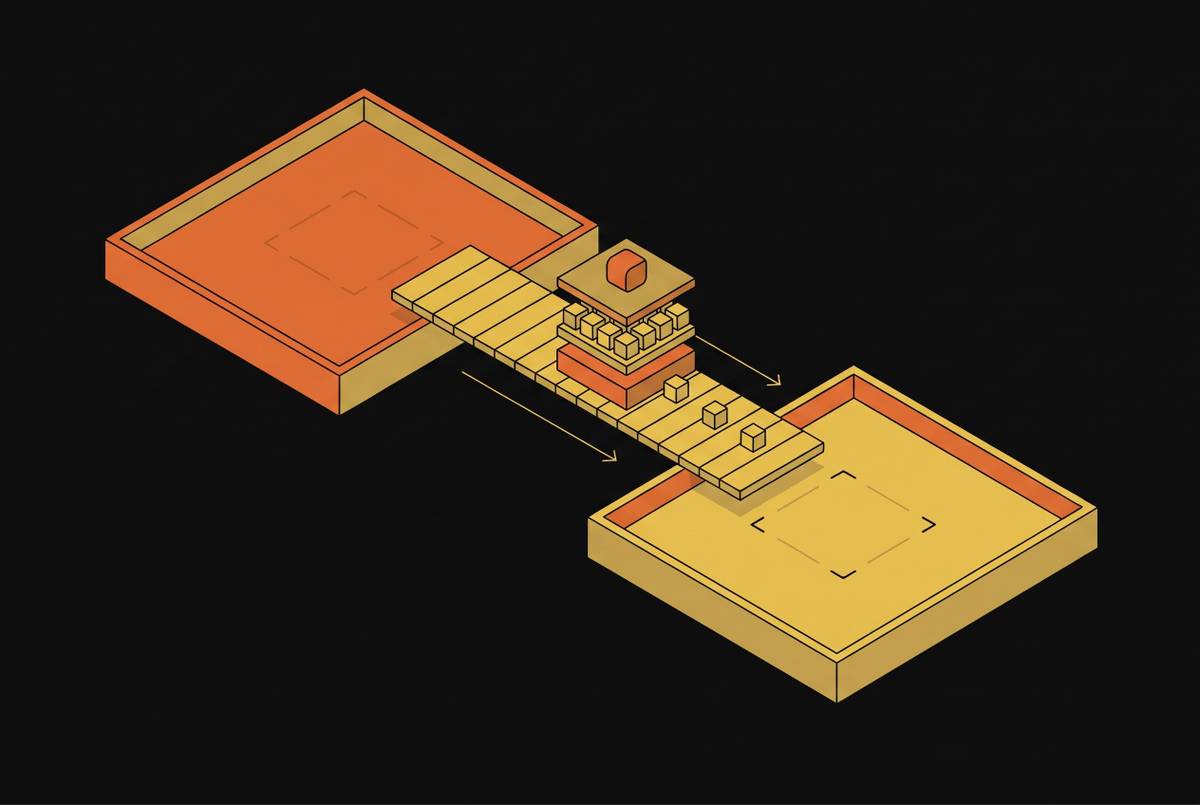
Vercel’s Drives docs say that only one sandbox at a time can mount a Drive read-write. Other sandboxes mount read-only snapshots reflecting the Drive as it was when they mounted. Those snapshots do not include later writes. The writer can therefore change the Drive while the readers retain their mounted view.
For one agent and several readers, that boundary can be a good fit. The readers get a version that does not change beneath them as the agent keeps editing. Freshness is not the goal of that arrangement. A fixed version makes the test’s input easier to describe when that is what the workflow needs.
The same boundary rules out several writers to that Drive. A read-only snapshot cannot double as a runner’s writable results path within the mounted workspace. Separate paths help only when the storage allows the relevant sandboxes to write them.
Forks copy the Drive into a new one. A fork leaves the original Drive’s single-writer rule intact. It may resemble the same workspace at the point of copying, but it is a new Drive. For readers that need the editor’s next version rather than a separate copy, the snapshot workflow described here calls for remounting after each edit.
Many writers, commit and reload
A many-writer, commit-and-reload model separates publishing changes from reading them. Several writers can commit, while a reader reloads to see changes made elsewhere. Those are distinct steps. This model grants write permission more broadly than single-writer storage, while still requiring a clear account of when readers see contributions.
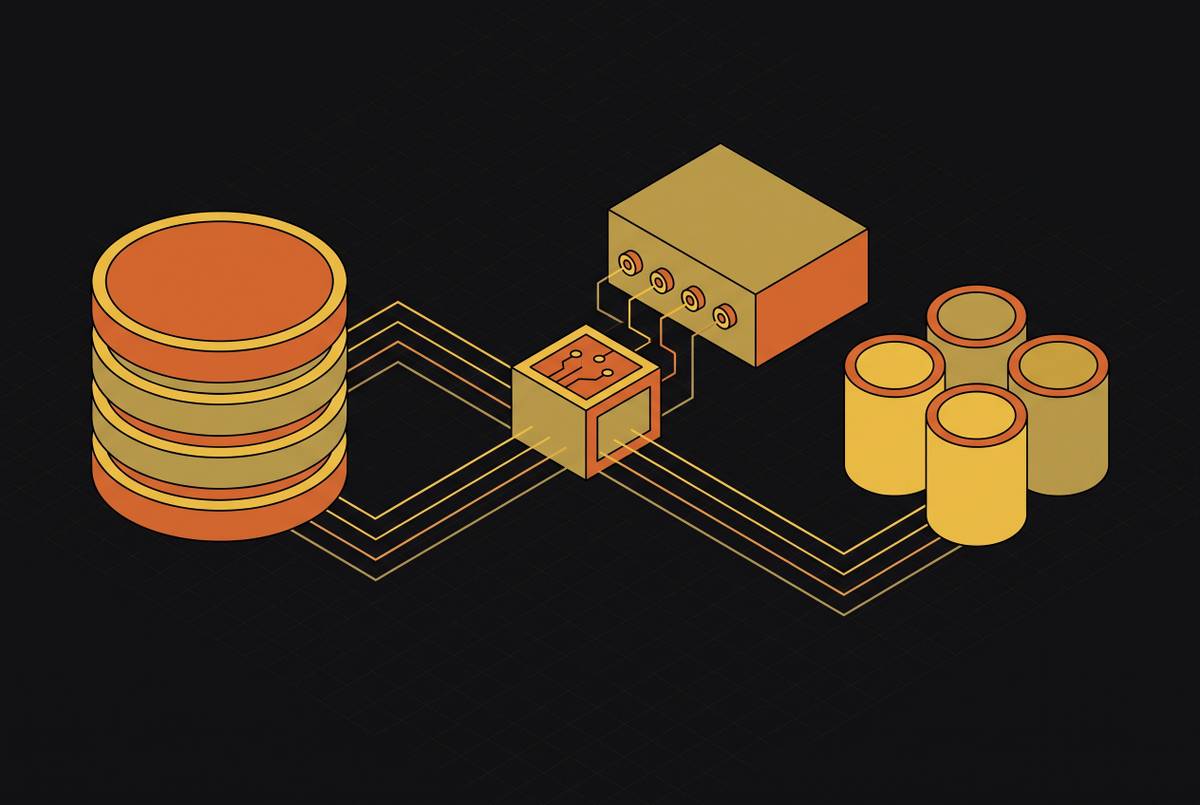
Modal Volumes work this way, according to Modal’s Volumes documentation: changes are committed, explicitly or by background commits, and a running container must reload the Volume to see changes made since it was mounted. Modal also says concurrent modification of the same file should be avoided, and that the last write wins when it happens.
For an editor and test runners, that separation affects what “ready to test” means. The editor’s ability to write is only one part of the handoff. A runner also needs a view containing the edit it is supposed to test. Otherwise, its work may concern a different version from the one intended. This is a general consequence of a reload-based model, whether a particular implementation refreshes quickly or slowly.
Several writers may be allowed to contribute but have no way to combine competing edits. A reload changes what the reader sees, while the conflict rule decides which changes end up in the file. Treating those as one feature would be rather like asking a delivery receipt to rewrite the parcel.
The useful comparison is therefore not simply one writer versus many. It is one writer with fixed readers versus several writers with a defined publication and refresh process. The latter can work when each participant writes to a separate path while the editor keeps working. Its suitability still depends on the documented same-file behavior and on how long runners take to see the edits they need.
Shared FUSE volumes
For shared FUSE volumes, the key questions are still visibility and conflict handling. A description of shared file access is not enough to establish when another sandbox sees a write. It also does not establish what happens when two sandboxes change the same file.
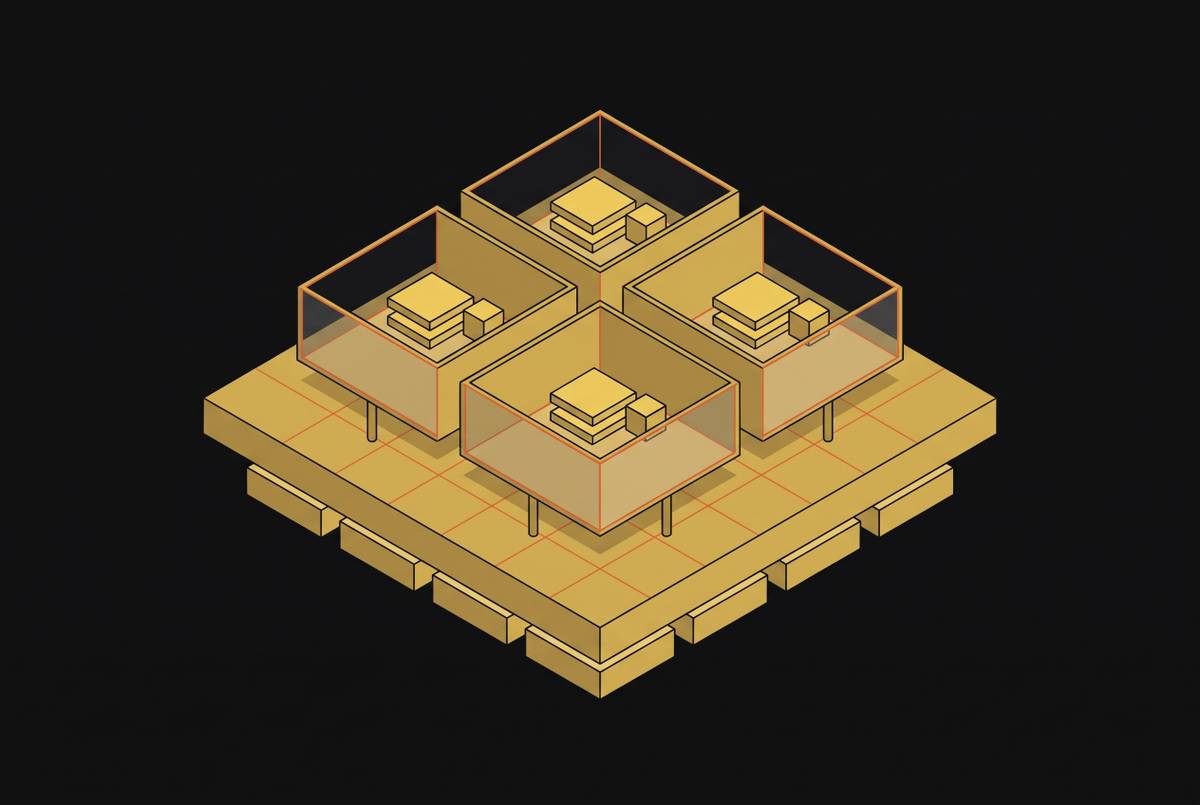
Daytona’s volume documentation, for example, describes FUSE-based volumes that one or many sandboxes can mount for shared file access, with the data stored in an S3-compatible object store and an optional subpath per sandbox. Those are the facts to start from; the visibility and same-file rules are the ones to confirm.
The practical step is to check the provider’s documentation for both behaviors before relying on it for that use. The documentation needs to explain when one sandbox sees another’s writes and how same-file writes are handled. Readers of fixed versions do not have the same freshness requirement as participants expected to follow ongoing edits.
If the storage permits concurrent writes to separate paths, an editor and runners can have distinct places to write. That layout addresses overlap between their outputs. It does not, on its own, answer when a runner sees a source-file change from the editor.
Without the visibility and conflict rules, the comparison is incomplete. The useful position is narrower. A shared FUSE volume needs the same documented concurrency contract as any other shared workspace before it can be judged for live collaboration. The label on the door is not the house rules.
Per-path write locks
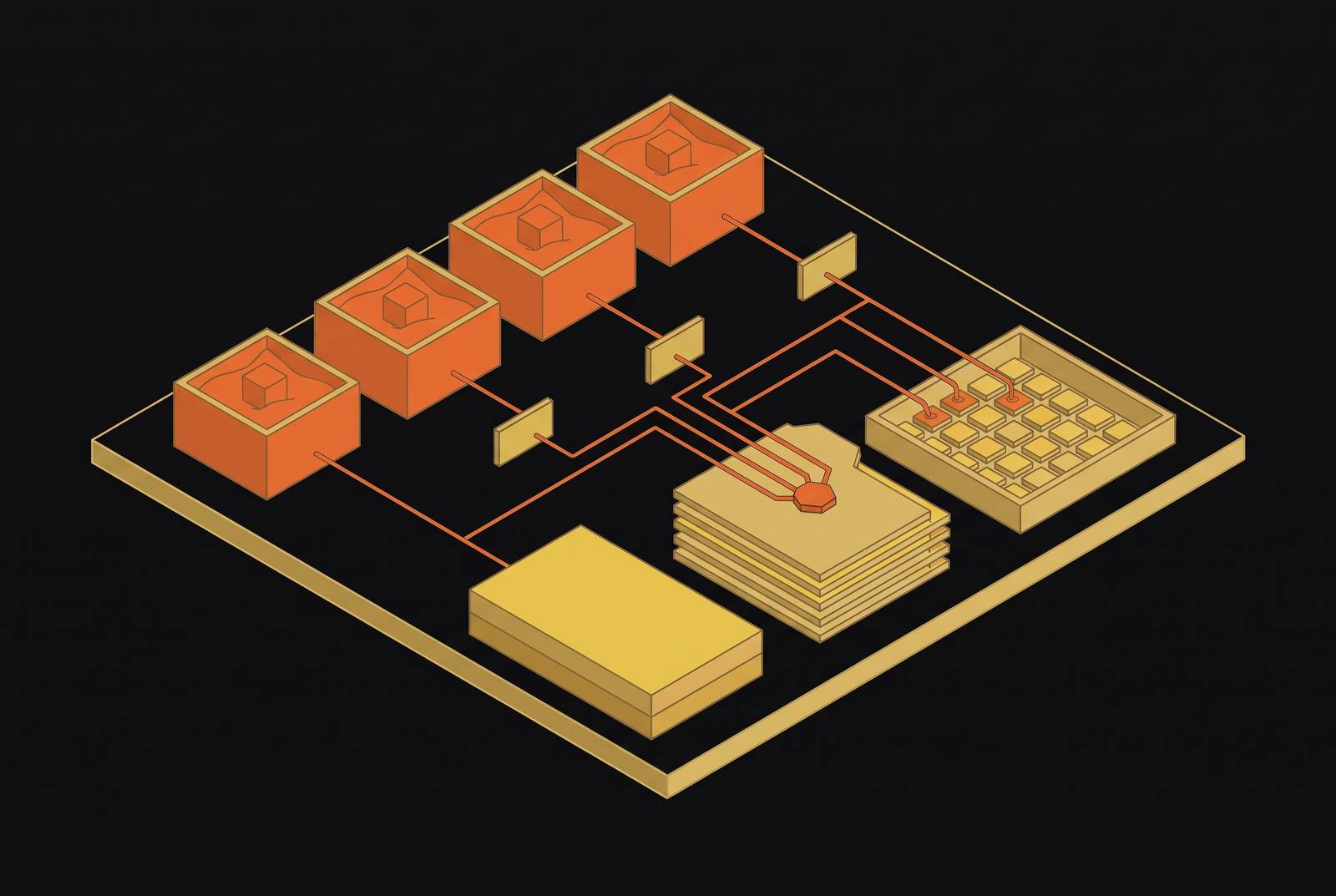
Some network file systems give one client an exclusive write lock on a path while other clients keep reading. Write ownership then applies to a path and need not cover the whole workspace. Participants can have separate writing responsibilities without treating every reader as a potential writer to every file. The precise permissions still depend on the storage’s locking rules.
Archil, the sponsor of this publication, documents this model in its sharing guide. A default mount is exclusive: one client writes and others can mount read-only. In shared mode a client writes only the paths it has claimed with archil checkout. In conditional mode any client can write anywhere no other client has checked out, and if two clients write the same part of a file, the last write to reach the disk wins. Other clients see changes as their caches refresh, and archil invalidate-cache makes the next read go to the server.
Exclusive writing and continued reading are compatible in this model. A lock can reserve the right to change a path without making that path unavailable to readers. However, the lock does not by itself determine when readers see changes. A comparison that reports only the locking behavior leaves the reader’s side of the contract unfinished.
The editor needs to change its own files, while each runner may need a place for its results. If the storage allows those paths to be written concurrently, the participants need not compete for the same write permission. That is a narrower claim than saying everyone can write everywhere. The restriction is part of how the model organizes concurrency.
Locks like these are not POSIX advisory locks across clients. Same-file writers need coordination in the application rather than reliance on a path-locking feature to supply it. Separate paths can reduce the overlap in the first place, but they do not help when the work genuinely requires two writers to change one file. In that case, the application still needs to account for the storage’s conflict rules.
Picking a model for one editor and several test runners
If test runners only need fixed versions, single-writer storage with snapshots works. The editor holds the writable view, and the runners read the version they mounted. For this workflow, remount after each edit. That refresh step connects a new edit to a new test input without asking the existing snapshot to behave like a live view. A fixed snapshot is doing its job when it stays fixed.
If runners must write results while the editor keeps working, the requirements change. Choose storage where they can write separate paths at the same time. Give the editor its own path and each runner its own output path. This divides write ownership according to the work, rather than letting every participant aim at the same files. It also makes clear why a read-only snapshot alone cannot serve as a writable results area.
That separation does not remove the need to deliver fresh input to the runners. A runner’s ability to write results says nothing about whether it has seen the editor’s latest change. Measure the time until a runner sees a new edit on the actual setup before relying on it. A documented refresh mechanism explains how visibility works, while the measurement establishes the delay for that setup. The two answers serve different purposes.
The workflow’s required concurrency determines the choice. Runners that write results need output paths they are allowed to write to, while same-file writers need the application to coordinate their writes under the storage’s rules. A good match lets those responsibilities coexist without asking a snapshot to stay live, a reload to merge edits, or a lock to answer a question about freshness.
This article is sponsored by Archil.